How to download programs from GitHub
Why is this stupid program on Github?
Github is a site designed to give developers a place to host source code, distributing executables is an after thought. Despite that Github becomes the primary home for a lot of programs because it provides free issue tracking, project management tools, site hosting, and CI/CD if the program is open source.
How do I just download the program
Sometimes you get lucky and the project will have executables ready so you can just download the that and run the program. You can find the link on the right side of the screen under a little section titled "Releases".
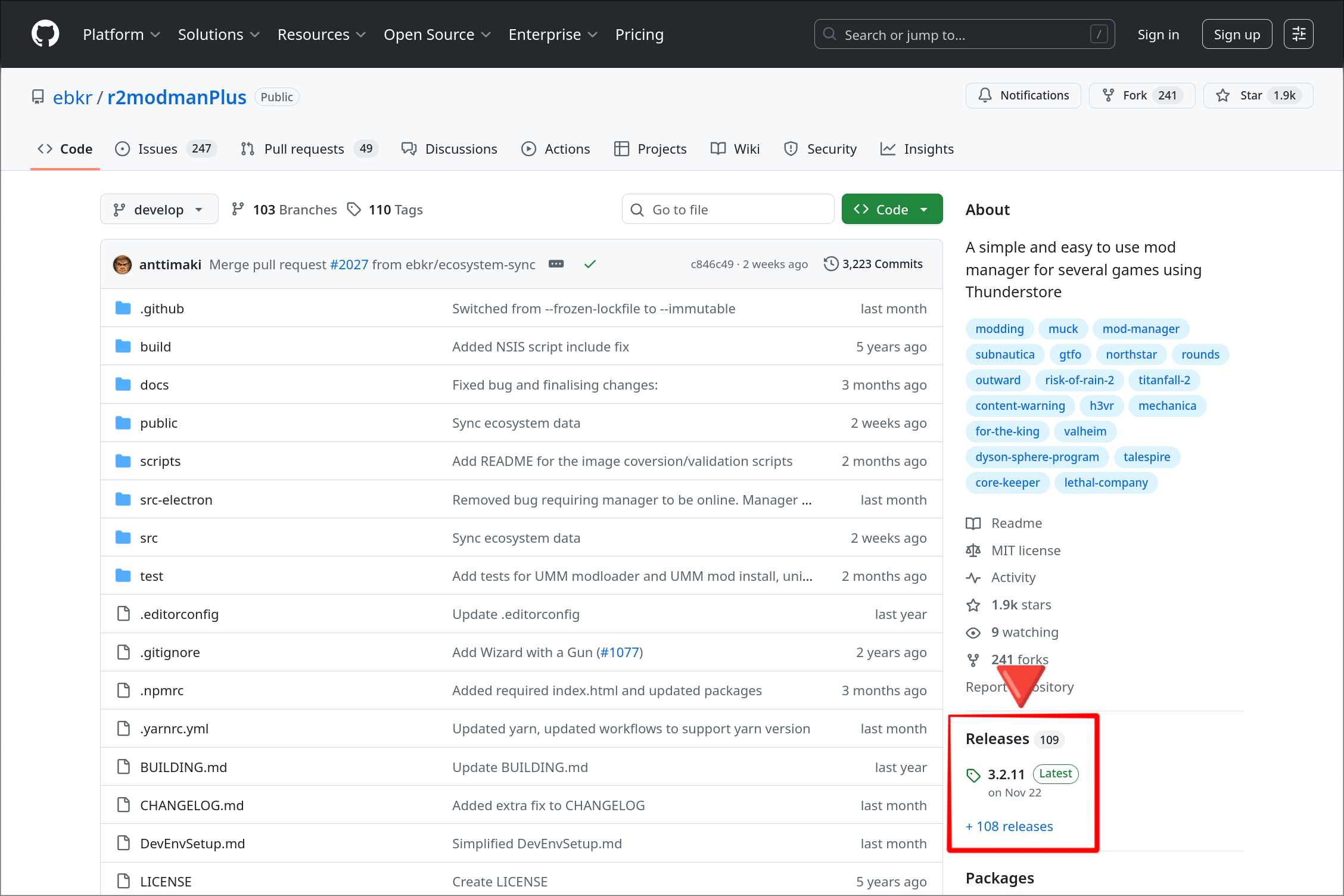
You'll usually want to click the bit with the "Lastest" badge since that will take you straight to a page with download links Clicking the "Releases" title or the blue "+<number> releases" will bring you to a version list for the program.
You'll end up on a page that looks like this, you can ignore most of whats on it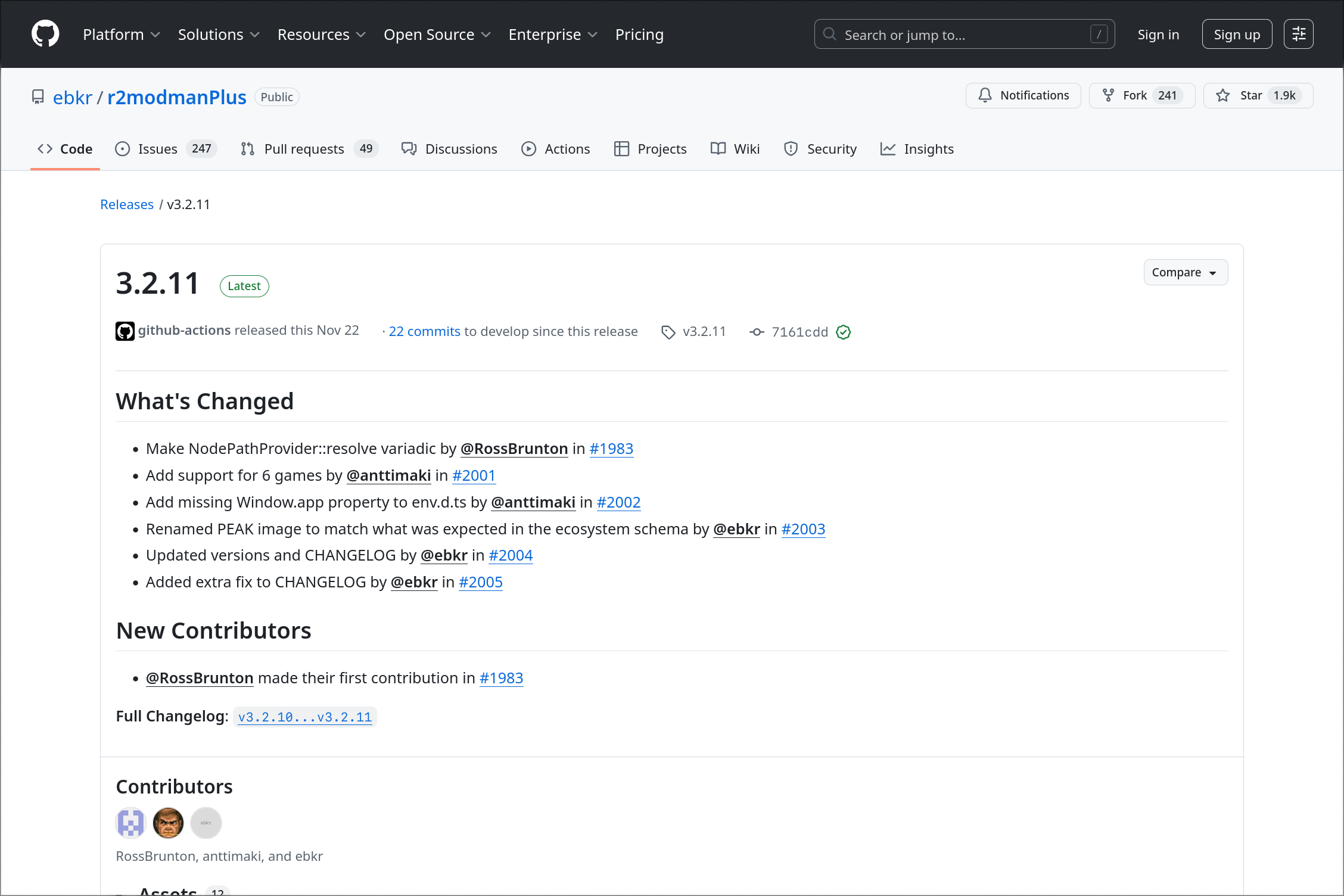
If you don't immediately see a section titled "Assets" (that's the case in the screenshot above) you need to SCROLL DOWN.
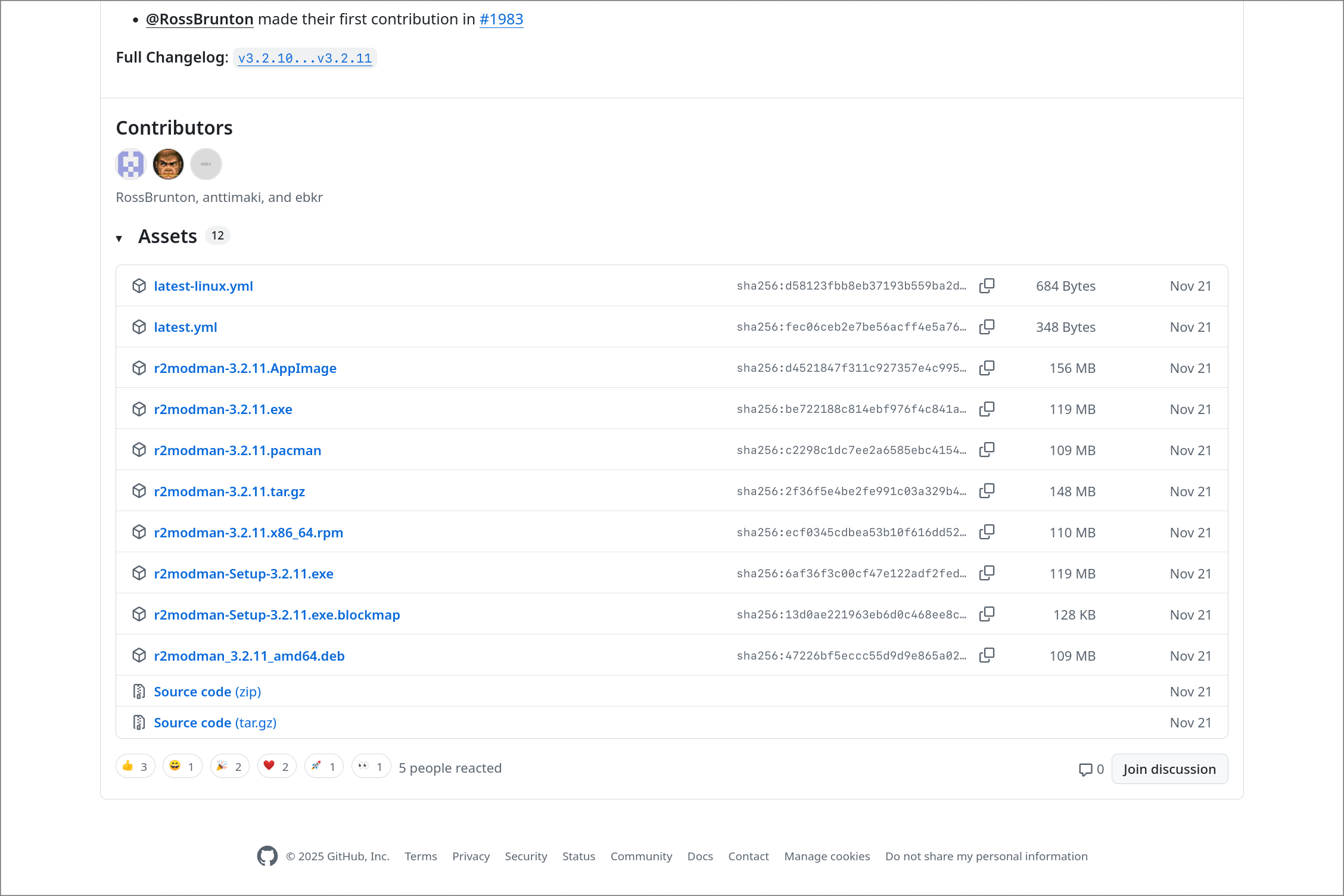 The links in this section are all of the available formats.
What format do I need???
This is a slightly tricky question since it depends on what kind of computer you have and how the particular developer you dealing with names things. Note: Developers will usually label the formats with the OS name
Mac
You'll want to grab the which ever file ends in .dmg or .pkg
If there's two .dmg/pkgs files:
- Computer from ≥2020 - name contains
"arm","aarch", or"apple silicone" - Computer from ≤2020 - name contains
"intel","x86", or"64"
Windows
Download the .msi or .exe
If there's more than one .msi or .exe:
- 99% of windows computers - name contains
"x86_64","x86", or"amd64"("but i have intel" A. doesn't matter) - 1% of windows computer that have ARM CPUs - name contains
"arm", or"aarch"
Linux
I'm not going to cover Linux here since there's like 10 different packaging formats that you'll usually see on for Linux, and the overlap between people who need help navigating Github and the group of people who use Linux is pretty small.
Refer to this if you really need help: https://en.wikipedia.org/wiki/Package_format#Linux-based_formats
🎉YOU'RE DONE 🎉
Ok well sometimes there's a little more to it.
What if there's no releases section?
This usually means the developer hasn't packaged the program for general release or just posts releases somewhere else (usually on the project's website). If its the latter just go check the project site, and if its the former you should really ask yourself if trying to run this program is something you really want to do.
I want to try building the program myself
There's a million and one ways that a program's build process can be setup so giving solid details on this is basically impossible. Just remember that most projects have a build guide in the README section on the main page (or at least a link to one), and that some languages are easier to build than others.
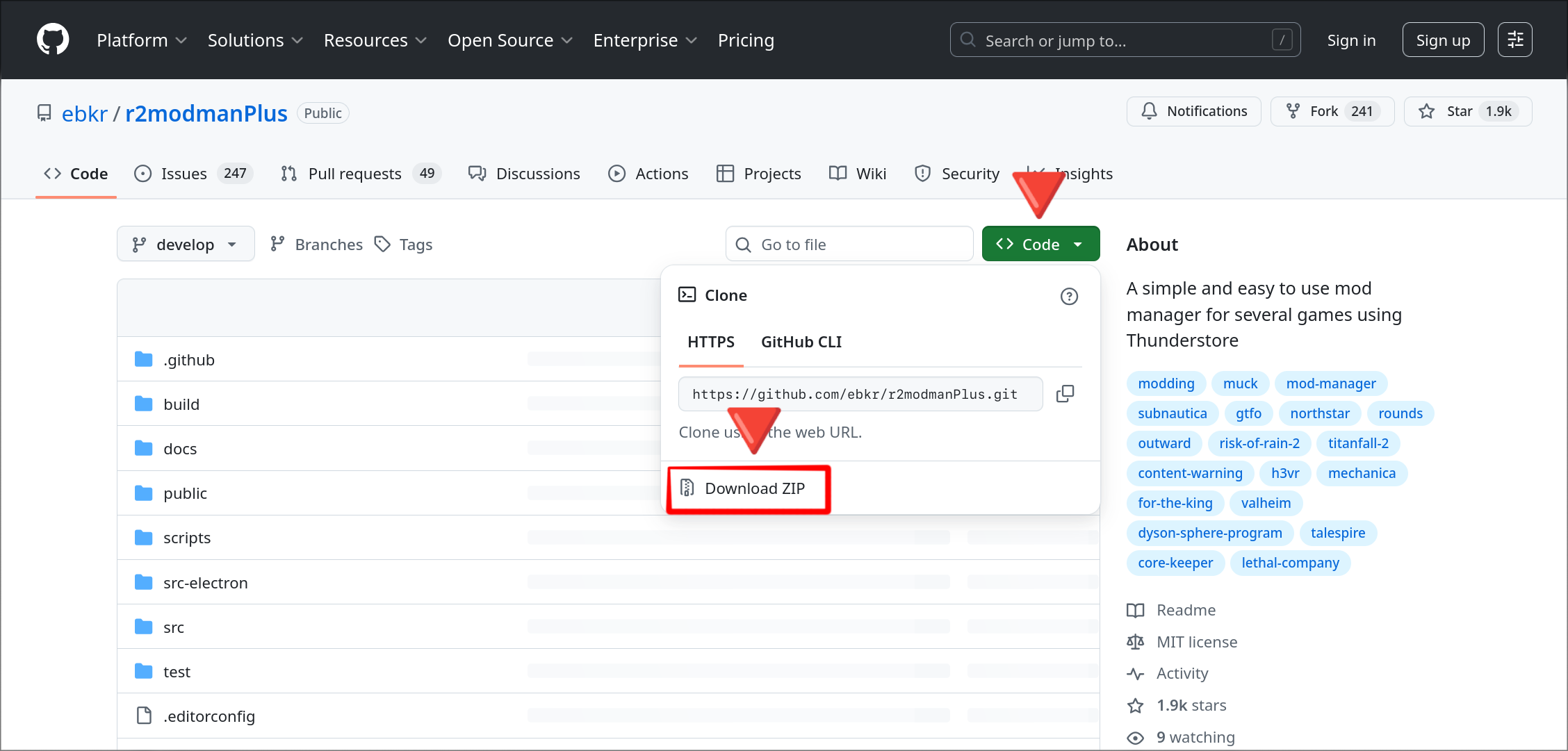
Download the source code
Languages by build difficulty
Every Github project has a chart on the right side of the screen indicating what languages the program is written in. You can usually just go off of which ever one language has the biggest percentage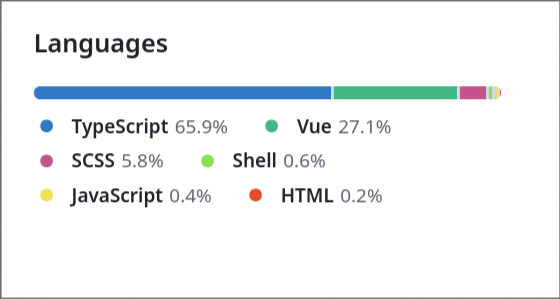
Easy:
- Rust
- Rust has a good dependency system and can automatically download most necessary 3rd party code at build time.
- https://rustup.rs/
Medium:
- JavaScript/TypeScript/React/JSX/View
- Good dependency system but the ecosystem is fractured so pretty much every project is going to be different.
- https://nodejs.org/en
- C#
- Relatively easy if you're on Windows and can install Visual Studio
- If you're on Mac or Linux then its usually pretty difficult
- https://dotnet.microsoft.com/en-us/download
- https://visualstudio.microsoft.com/
- Swift
- This language is pretty much only used for iOS and Mac apps
- https://developer.apple.com/xcode/resources/
Hard:
- Python
- Bad dependency system, wonky install process, multiple incompatible language versions in circulation.
- https://www.python.org/downloads/
- Java
Just don't bother:
- C/C++
- There's multiple compilers, no standard dependency system, and most C/C++ programmers don't document their build process properly. It's usually a pain to build these projects even for experienced developers.
Good luck 💀💀